09. Installing Yeoman
Installing Yeoman
Yeoman
Yeoman is tool for project scaffolding. You can use it to quickly generate an entire project's file structure. Yeoman is not specific to Angular but works by using generator plugins. For the rest of this lesson we'll be using Yeoman along with the Angular Generator plugin.

Installation Yeoman and the Angular Generator
For detailed information on how to install the AngularJS Generator for Yeoman, check out the project's Usage instructions. For a quick install:
- make sure you have Node and NPM installed (and updated!)
- install Yeoman, Bower, the Angular generator plugin which you can do by running the following command:
$ npm install -g grunt-cli bower yo generator-karma generator-angular
Project Setup
Now that we've installed Yeoman and the Angular generator, we can generate an Angular app. Let's create a directory called UdaciMeals. Don't run it yet, but the command to run is:
yo angular udaciMealsThis will generate all of the project files in the current directory! So make sure to cd into the directory where you want your project to live. Now that you know what it will do, go ahead and run that command have to Yeoman generate an Angular app with the name UdaciMeals.
Setup Options
Yeoman offers us some optional tools that can be bundled into our project. We're going to pick the following options:
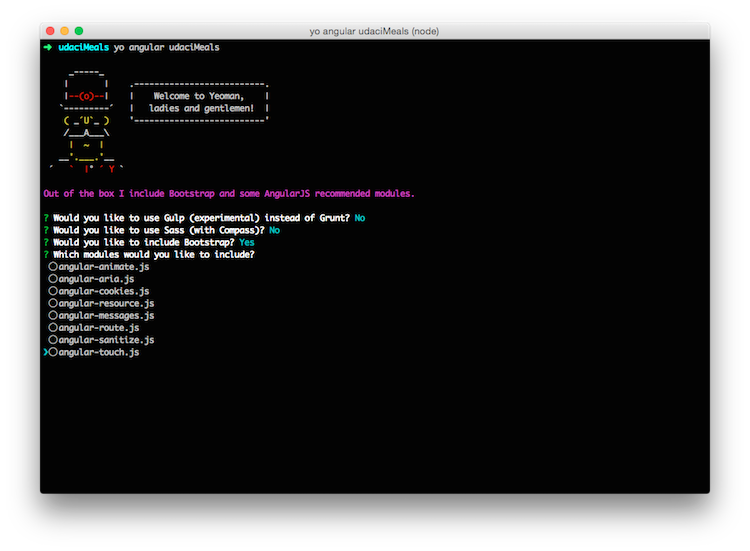
- Grunt - No
- Sass (with Compass) - No
- Bootstrap - Yes
- Modules - Deselect all
Deselect a module by using the arrow keys and pressing space bar. Then, press enter to confirm the installation options and to start downloading dependencies and building the app's file structure.
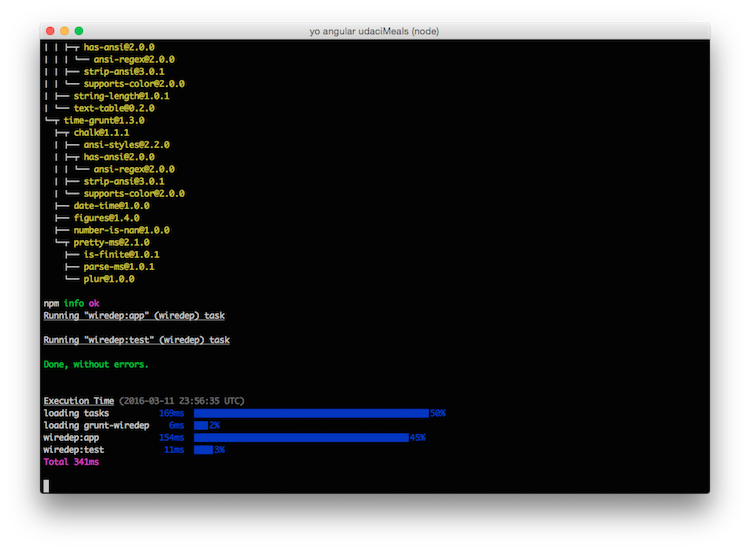
If your terminal gets to this point and it looks like everything's frozen, the prompt is just hidden. Press enter to continue.